

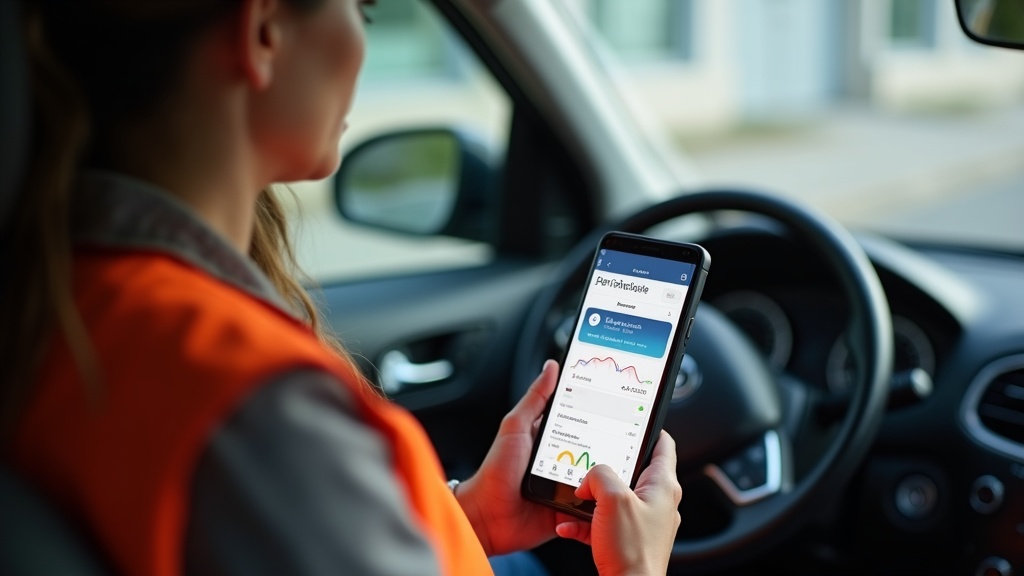
Driving for Uber Eats can be profitable, but are you missing out on hundreds or even thousands of dollars in tax deductions? Every mile you drive for deliveries is a potential tax write-off, yet most drivers fail to track their mileage properly, leaving money on the table when tax season arrives.
As an Uber Eats driver in 2026, you’re essentially running your own small business, which means you’re entitled to claim legitimate business expenses including vehicle mileage. The IRS allows you to deduct 67 cents per mile for business use of your vehicle in 2026, making proper mileage tracking one of the most valuable tax strategies available to delivery drivers. Whether you’re driving part-time for extra income or full-time as your primary source of revenue, implementing a reliable free Uber Eats mileage tracker system can significantly impact your bottom line.
The challenge lies in finding a tracking solution that’s both accurate and effortless to use. Manual logbooks are prone to errors and forgotten entries, while some tracking apps come with hefty subscription fees that eat into your profits. Fortunately, several excellent free options exist that can automatically track your delivery miles while providing the documentation you need for tax purposes.
Understanding Uber Eats Mileage Deduction Requirements
IRS Guidelines for Delivery Driver Mileage
The Internal Revenue Service has specific requirements for claiming vehicle expenses as a business deduction. For Uber Eats drivers, you can choose between two methods: the standard mileage rate or actual expense method. The standard mileage rate for 2026 is 67 cents per mile, which covers gas, maintenance, insurance, and depreciation in one simple calculation.
To qualify for mileage deductions, your trips must be for business purposes. This includes driving to pick up orders, delivering food to customers, and traveling between delivery locations. However, commuting from your home to your first pickup or returning home after your last delivery typically doesn’t qualify unless your home is your principal place of business.
The IRS requires contemporary records, meaning you should track your mileage in real-time rather than trying to reconstruct it later. Your mileage log must include the date, starting and ending odometer readings, total miles driven, and the business purpose of each trip. IRS Publication 463 provides detailed guidance on these requirements.
What Qualifies as Deductible Mileage
Understanding which miles count as business deductions is crucial for maximizing your tax savings. All miles driven while actively delivering for Uber Eats are deductible, including the distance from pickup to drop-off locations. Additionally, miles driven between deliveries while you’re still online and available for new orders typically qualify as business miles.
Many drivers don’t realize they can also deduct miles driven for business-related purposes outside of active deliveries. This includes trips to the gas station during work hours, visits to the car wash to maintain your vehicle’s professional appearance, or drives to auto parts stores for maintenance supplies needed for your delivery vehicle.
However, personal errands mixed with business driving require careful documentation. If you stop at a grocery store for personal shopping between deliveries, only the business portion of that trip is deductible. Keeping detailed records helps ensure you claim all legitimate deductions while avoiding any red flags during an audit.
Common Mileage Tracking Mistakes
Even well-intentioned drivers make costly errors when tracking mileage. The most common mistake is failing to track miles consistently, leading to incomplete records that won’t withstand IRS scrutiny. Many drivers also forget to record their starting odometer reading at the beginning of their work period or ending reading when they finish.
Another frequent error is mixing personal and business use without proper documentation. If you use your vehicle for both Uber Eats deliveries and personal errands, you must maintain separate records for each type of usage. The IRS doesn’t allow you to deduct personal miles, even if they occur during the same day as business driving.
Some drivers attempt to estimate their mileage based on memory or use unreliable methods like Google Maps distance calculations. While these tools can provide estimates, they don’t account for detours, traffic-related route changes, or multiple stops, potentially leading to inaccurate records that could trigger an audit.
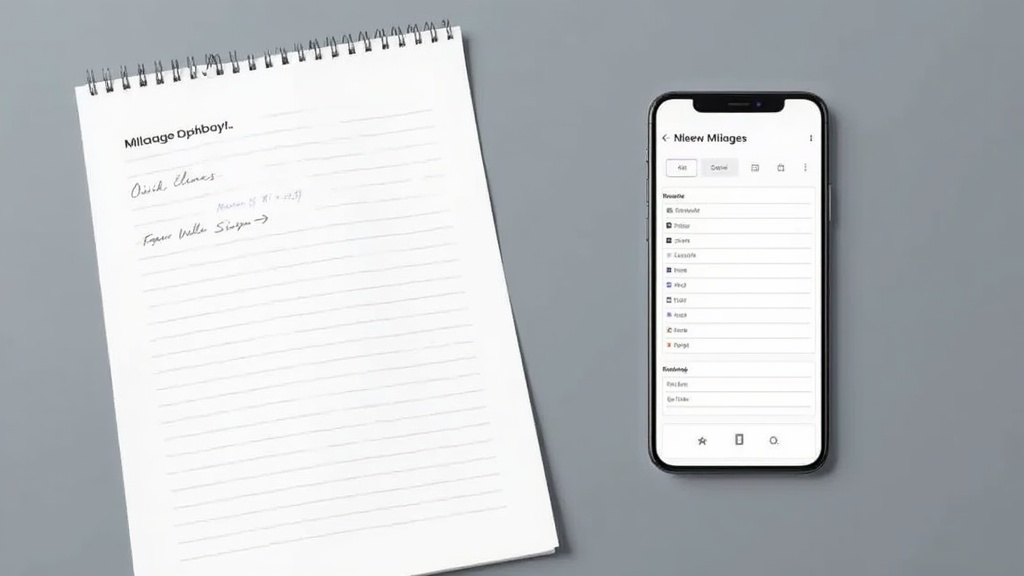
Top Free Uber Eats Mileage Tracker Solutions for 2026
Smartphone-Based Automatic Tracking Apps
Modern smartphone apps have revolutionized mileage tracking for delivery drivers by offering GPS-based automatic detection. These apps run in the background, automatically starting and stopping trip recordings based on your driving patterns. The best free options provide accurate distance calculations, trip categorization features, and export capabilities for tax preparation.
Most automatic tracking apps use your phone’s GPS and accelerometer to detect when you start driving, eliminating the need to remember to start tracking manually. They can distinguish between different types of trips and allow you to categorize drives as business or personal with simple swipes or taps.
However, automatic tracking isn’t perfect and may occasionally miss short trips or record false starts when you’re a passenger in someone else’s vehicle. Regular review of your tracked trips ensures accuracy and helps identify any needed corrections before tax time.
Manual Tracking Methods and Apps
While automatic tracking offers convenience, some drivers prefer manual control over their mileage records. Manual tracking apps allow you to start and stop trip recording with button presses, giving you complete control over what gets recorded. This method works particularly well for drivers who want to ensure every business mile is captured accurately.
The key advantage of manual tracking is precision. You decide exactly when to start and stop recording, eliminating false readings from automatic systems. Many manual tracking apps also allow you to add notes about each trip, such as the restaurant name or customer area, which can be helpful for record-keeping.
The downside is the need to remember to start and stop tracking for every trip. Forgotten trips result in lost deduction opportunities, making consistency crucial for maximizing your tax benefits.
Milelify: Professional Grade Free Mileage Tracking
When it comes to comprehensive mileage tracking specifically designed for delivery drivers and rideshare professionals, Milelify stands out as the premier solution. This innovative platform combines the best aspects of automatic and manual tracking while providing enterprise-grade features at no cost to individual drivers.
- Intelligent automatic trip detection that learns your driving patterns and reduces false positives
- Real-time mileage calculations using advanced GPS algorithms for maximum accuracy
- Seamless integration with popular tax preparation software and easy export options
- Comprehensive reporting dashboard that breaks down your deductions by month, week, or custom periods
- Cloud-based storage ensures your mileage records are never lost, even if your phone is damaged or replaced
What sets Milelify apart is its focus on the unique needs of gig economy workers. The platform understands that Uber Eats drivers often work irregular schedules and need flexible tracking solutions that adapt to their workflow. The user-friendly interface makes it easy to review and categorize trips, while the robust backend ensures your data is secure and accessible when you need it most.
The platform also provides valuable insights into your driving patterns, helping you identify opportunities to optimize your routes and increase profitability. With detailed analytics and reporting features, you can track not just your mileage deductions but also gain insights into your overall business performance.
Understanding how to properly implement mileage tracking strategies can significantly impact your tax savings, as demonstrated in comprehensive video guides that walk through real-world scenarios.
Setting Up Your Free Uber Eats Mileage Tracker System
Initial Setup and Configuration
Getting started with a free Uber Eats mileage tracker requires some initial configuration to ensure accurate tracking from day one. Begin by recording your vehicle’s current odometer reading, which serves as your baseline for calculating total business miles driven during the tax year. Most tracking apps allow you to input this starting mileage during the setup process.
Next, configure your tracking preferences based on your driving schedule and habits. If you primarily drive during specific hours, set up automatic tracking schedules to reduce false readings during your off-hours. Some apps offer geofencing features that automatically start tracking when you enter designated areas where you typically begin your Uber Eats shifts.
Take time to familiarize yourself with the app’s trip categorization features. Most free trackers allow you to quickly mark trips as business or personal, and some offer subcategories for different types of business driving. Setting up these categories correctly from the beginning saves time during tax preparation and ensures more accurate record-keeping.
Daily Tracking Best Practices
Consistency is crucial for maintaining accurate mileage records throughout the year. Develop a routine of checking your mileage tracker at the beginning and end of each work session. Even with automatic tracking, a quick review helps catch any missed trips or incorrect categorizations.
For optimal accuracy, review your tracked trips weekly rather than waiting until tax season. This regular maintenance allows you to correct any errors while the details are still fresh in your memory. Look for duplicate entries, missed trips, or incorrectly categorized drives that need adjustment.
Consider taking screenshots of your daily summaries as additional backup documentation. While digital records are generally sufficient for tax purposes, having visual proof of your tracking consistency can provide extra peace of mind and support your claims if questioned by the IRS.
Integration with Tax Preparation
The ultimate goal of mileage tracking is to maximize your tax deductions, which requires seamless integration with tax preparation processes. Most quality free mileage trackers offer export features that generate IRS-compliant reports in formats accepted by popular tax software programs.
When selecting a tracking solution, prioritize options that can export data in multiple formats including CSV, PDF, and direct integration with tax preparation platforms. This flexibility ensures you can work with any tax professional or software program without losing important details from your mileage records.
Plan ahead for tax season by organizing your mileage data quarterly rather than waiting until year-end. Regular organization makes tax preparation smoother and helps identify any missing information while there’s still time to address gaps in your records.
Maximizing Tax Savings Beyond Basic Mileage Tracking
Advanced Deduction Strategies
While mileage represents the largest potential deduction for most Uber Eats drivers, additional business expenses can further reduce your tax liability. Phone expenses related to your delivery work, including your monthly service plan and business-use percentage of your device cost, qualify as legitimate deductions.
Equipment purchases such as insulated food bags, phone mounts, or GPS devices used exclusively for your delivery business can be deducted in the year of purchase or depreciated over time. Keep receipts for all business-related purchases and track what percentage of each item’s use relates to your Uber Eats driving.
Don’t overlook smaller expenses that add up over time. Parking fees paid while picking up orders, tolls encountered during deliveries, and car washing expenses to maintain your vehicle’s professional appearance all qualify as business deductions when properly documented.
Record Keeping and Documentation
The IRS requires substantiation for all business expense claims, making comprehensive record-keeping essential for maximizing your deductions while minimizing audit risk. Beyond mileage tracking, maintain receipts for all business-related expenses and document the business purpose of each expenditure.
Digital record-keeping offers significant advantages over paper systems. Apps like those featured on Milelify’s blog provide comprehensive solutions for tracking various business expenses beyond just mileage. Digital records are easier to organize, search, and backup, reducing the risk of losing important documentation.
Create a system for regular data backup to protect your records from device failure or loss. Cloud-based storage solutions ensure your mileage and expense records remain accessible even if your primary tracking device is damaged or replaced.
Preparing for Tax Season
Effective preparation throughout the year makes tax filing significantly easier and more accurate. Quarterly reviews of your mileage and expense records help identify any missing information while details are still fresh in your memory. This proactive approach prevents the scramble to reconstruct records at tax time.
Consider working with a tax professional who understands the unique challenges faced by gig economy workers. An experienced preparer can help identify additional deduction opportunities and ensure you’re taking full advantage of all available tax benefits while maintaining compliance with IRS requirements.
Document your tracking methodology and maintain consistent practices throughout the year. If audited, the IRS will examine the reliability and consistency of your record-keeping system. Demonstrating a systematic approach to mileage tracking strengthens your position and supports the legitimacy of your claimed deductions.
| Tracking Method | Accuracy Level | Ease of Use | Cost |
|---|---|---|---|
| Manual Logbook | High (if consistent) | Low | Free |
| Smartphone Apps | Very High | High | Free to Premium |
| Milelify Platform | Excellent | Very High | Free for individuals |
Common Challenges and Solutions for Uber Eats Drivers
Dealing with Multiple Apps and Platforms
Many delivery drivers work for multiple platforms simultaneously, including Uber Eats, DoorDash, and Grubhub, which can complicate mileage tracking. The key is finding a system that can handle multi-platform driving without requiring separate tracking for each service. Since all delivery driving qualifies as business mileage regardless of the platform, you can use one comprehensive tracker for all your gig work.
When driving for multiple apps simultaneously, focus on tracking total business miles rather than trying to attribute specific miles to individual platforms. The IRS doesn’t require you to separate mileage by income source, only to demonstrate that the miles were driven for legitimate business purposes.
Consider using apps that allow custom trip notes where you can record which platform generated each delivery. While not required for tax purposes, this information can be valuable for analyzing the profitability of different platforms and optimizing your driving strategy.
Handling Mixed Personal and Business Use
One of the most complex aspects of mileage tracking involves vehicles used for both personal and business purposes. The IRS requires clear separation between business and personal miles, making accurate categorization essential for maintaining compliant records.
Develop a routine for immediately categorizing trips as they occur. Most quality tracking apps allow quick categorization with simple swipes or taps, making it easy to maintain accurate records without significant time investment. The few seconds spent categorizing each trip can save hours of work during tax preparation.
For drivers who use their vehicle extensively for personal purposes, consider tracking all miles and then subtracting personal use rather than trying to track only business miles. This approach reduces the risk of missing deductible miles while ensuring comprehensive documentation.
Backup and Recovery Strategies
Digital mileage tracking offers many advantages, but technical issues can potentially compromise your records. Implement multiple backup strategies to protect against data loss, including cloud synchronization and periodic data exports.
Most professional mileage tracking platforms, including Milelify, automatically backup your data to secure cloud servers. However, consider supplementing automatic backups with monthly data exports stored in multiple locations, such as your email account and computer hard drive.
Test your backup and recovery procedures periodically to ensure they work correctly. Practice restoring data from backups to verify that your records would remain intact even in worst-case scenarios like complete device failure or app discontinuation.
Ready to maximize your Uber Eats tax deductions and put more money back in your pocket? Implementing a reliable free Uber Eats mileage tracker is one of the most impactful steps you can take to improve your bottom line as a delivery driver. With proper mileage tracking, the average full-time Uber Eats driver can save thousands of dollars annually in tax deductions.
Don’t let another tax season pass by leaving money on the table. Start tracking your miles today with a professional-grade solution that understands the unique needs of delivery drivers. Visit Milelify to get started with the most comprehensive free mileage tracking platform designed specifically for gig economy professionals like you. Your future self will thank you when tax season arrives and you have detailed, accurate records that maximize your deductions while minimizing your tax liability.
The road to better financial management starts with your first tracked mile. Make 2026 the year you take control of your delivery driver tax strategy and keep more of your hard-earned money where it belongs.