

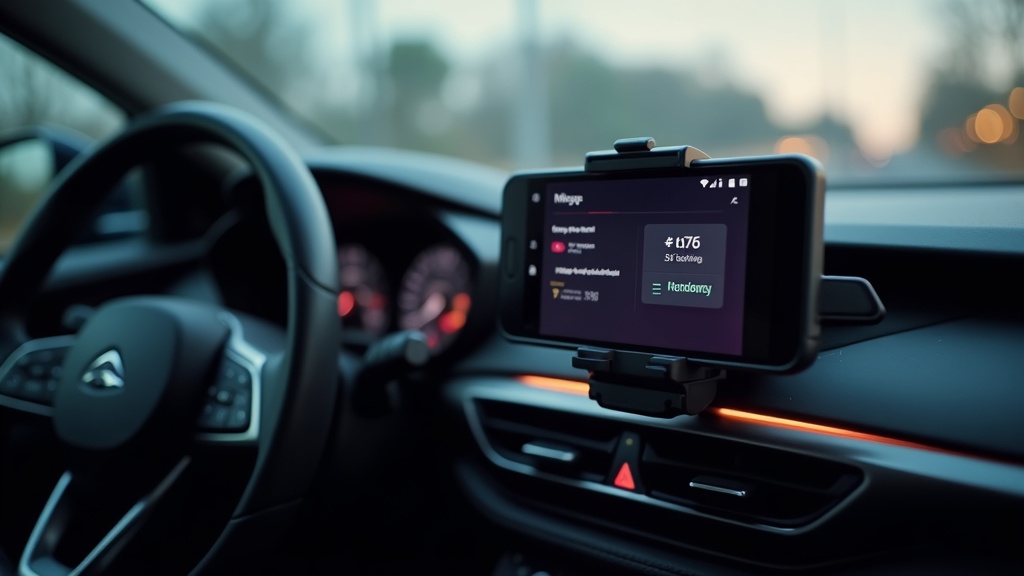
Tax season doesn’t have to be a nightmare when you have the right tools at your disposal. For millions of freelancers, rideshare drivers, delivery workers, and business professionals across America, tracking business miles is crucial for maximizing tax deductions. The IRS allows you to deduct 67 cents per business mile in 2026, making accurate mileage tracking potentially worth thousands in tax savings.
Finding the perfect free mileage tracker app for taxes can transform your record-keeping from a tedious chore into an automated process. Whether you’re driving for Uber, making deliveries, visiting clients, or running business errands, the right app ensures you capture every deductible mile without the hassle of manual logs. With smartphone technology advancing rapidly, today’s mileage tracking apps offer GPS precision, automatic trip detection, and seamless integration with popular tax software.
Why You Need a Free Mileage Tracker App for Taxes
The traditional pen-and-paper method of tracking business miles is not only time-consuming but also prone to errors that could cost you significant tax deductions. The IRS requires detailed records including date, destination, business purpose, and total miles for each trip. Manual tracking often results in forgotten trips, illegible handwriting, and lost receipts that leave money on the table.
Maximize Your Tax Deductions
Business mileage represents one of the largest tax deductions available to self-employed individuals and freelancers. With the standard mileage rate at 67 cents per mile in 2026, someone driving 15,000 business miles annually could deduct over $10,000 from their taxable income. A reliable free mileage tracker app for taxes ensures you capture every eligible mile, potentially saving thousands in taxes.
The key is consistency and accuracy. Apps automatically timestamp trips, use GPS coordinates to verify distances, and categorize purposes to meet IRS requirements. This level of detail protects you during audits while maximizing legitimate deductions. Many users discover they were missing 20-30% of their deductible miles when switching from manual tracking to automated apps.
Save Time and Reduce Stress
Modern mileage tracking apps eliminate the daily burden of manual record-keeping. Instead of scrambling to reconstruct months of trips during tax season, you have detailed reports ready at your fingertips. Most quality apps generate IRS-compliant reports with a few taps, formatting your data exactly as tax professionals expect to see it.
The automation extends beyond simple tracking. Smart apps learn your regular routes, automatically categorize frequent destinations, and sync across multiple devices. This means whether you grab your phone, tablet, or check online, your mileage data is always current and accessible.
Essential Features of the Best Free Mileage Tracker Apps
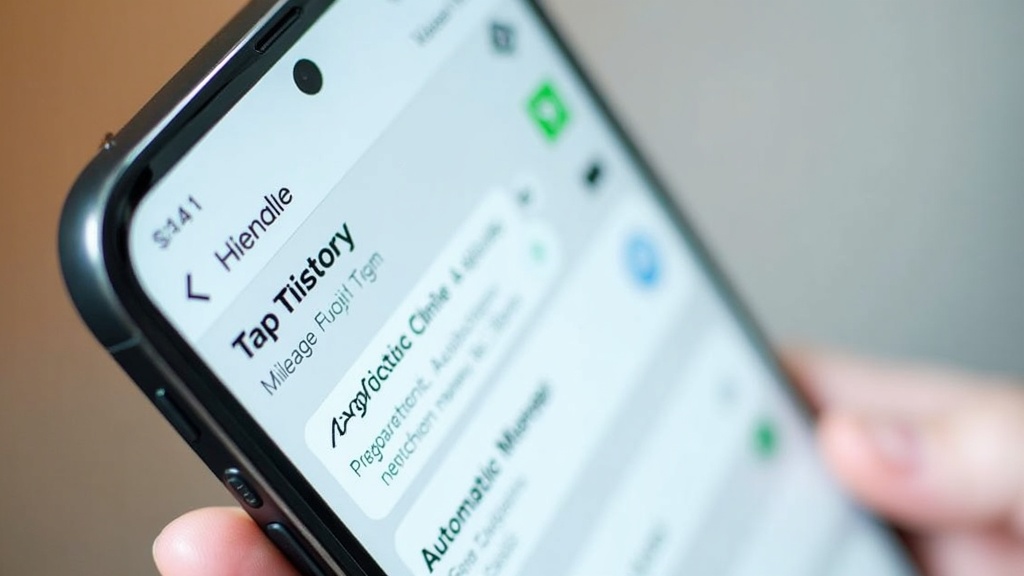
Not all mileage tracking apps are created equal, especially when it comes to tax compliance and reliability. The best free mileage tracker app for taxes must balance comprehensive features with user-friendly operation to ensure consistent daily use.
Automatic Trip Detection
The gold standard for mileage apps is seamless automatic detection that starts tracking when you begin driving and stops when you reach your destination. This feature eliminates the human error factor that plagues manual systems. Advanced algorithms distinguish between business and personal trips based on your destinations, time of day, and historical patterns.
Look for apps that offer customizable sensitivity settings, allowing you to fine-tune detection based on your driving habits. Some drivers prefer apps that capture every trip for later classification, while others want preset business locations that trigger automatic business categorization. The best apps accommodate both preferences without compromising accuracy.
Battery optimization is crucial for automatic tracking apps. Quality applications use efficient location services that provide accurate tracking without draining your phone throughout the day. Background operation should be smooth and reliable, working consistently whether your phone is in your pocket, purse, or mounted on the dashboard.
IRS-Compliant Reporting
Tax compliance isn’t optional when claiming mileage deductions. Your chosen app must generate reports that satisfy IRS requirements, including detailed trip logs with dates, destinations, business purposes, and precise mileage calculations. The format should be professional and easily readable by tax preparers or IRS auditors.
Many free apps offer basic reporting, but the best provide multiple export options including PDF, Excel, and direct integration with popular tax software like TurboTax and H&R Block. This flexibility ensures your data works with your preferred tax preparation method without requiring manual data entry or format conversion.
Real-time backup and cloud synchronization protect your valuable mileage data from device loss or damage. The most reliable apps automatically sync your trips to secure cloud servers, ensuring your tax records remain accessible even if you switch phones or experience technical issues.
Multi-Vehicle and User Support
Business operations often involve multiple vehicles or team members who need mileage tracking capabilities. The best free mileage tracker apps accommodate these scenarios without forcing you into premium subscriptions for basic multi-vehicle support.
Fleet management features allow you to assign trips to specific vehicles, track multiple drivers, and generate consolidated reports for business accounting. This is particularly valuable for small businesses with delivery vehicles, sales teams, or any operation where multiple people drive for business purposes.
User permission controls ensure data privacy while allowing appropriate access for bookkeepers, accountants, or business partners. Some apps offer family plans that let you track personal and business miles separately while maintaining individual privacy for each user’s data.
Top Free Mileage Tracker Apps for Tax Season 2026
The mileage tracking app market has evolved significantly, with several standout options offering robust free tiers that meet most users’ needs. Each app has unique strengths that appeal to different types of drivers and business scenarios.
Milelify: The Complete Solution for Business Drivers
Milelify stands out as the premier choice for professionals who need reliable, accurate mileage tracking without compromise. This comprehensive platform combines cutting-edge GPS technology with user-friendly design to create the most dependable free mileage tracker app for taxes available in 2026.
- Advanced automatic trip detection with 99.5% accuracy using AI-powered algorithms
- Complete IRS-compliant reporting with one-click export to all major tax software
- Real-time cloud backup ensuring your data is never lost
- Multi-vehicle support with unlimited business categorization
- Smart route optimization that learns your business patterns
What sets Milelify apart is its focus on professional-grade reliability without the complexity that bogs down other apps. The interface remains clean and intuitive while providing enterprise-level accuracy and reporting capabilities. Users consistently praise its battery efficiency and rock-solid performance across all smartphone platforms.
Comparison of Leading Free Mileage Trackers
| App Name | Automatic Detection | IRS Reports | Multi-Vehicle | Battery Impact |
|---|---|---|---|---|
| Milelify | Excellent | Yes | Yes | Low |
| MileIQ | Good | Limited | Premium Only | Medium |
| Everlance | Good | Basic | No | High |
Integration with Tax Preparation Software
The best free mileage tracker app for taxes seamlessly integrates with your existing tax preparation workflow. Direct connections to TurboTax, FreeTaxUSA, and professional tax software eliminate manual data entry while ensuring accuracy in your final tax returns.
IRS guidelines for vehicle deductions emphasize the importance of contemporary record-keeping, making real-time digital tracking preferable to reconstructed logs. Apps that automatically timestamp and geocode trips provide the strongest evidence for audit protection.
Many users find that switching to digital mileage tracking increases their deductible miles by 25-40% simply through improved accuracy and consistency. The convenience factor ensures you never miss a business trip, while automated categorization speeds up year-end tax preparation significantly.
Getting Started with Your Free Mileage Tracker App
Success with any mileage tracking app depends on proper setup and consistent use. The initial configuration period determines whether the app becomes a valuable tool or another forgotten download taking up space on your phone.
Initial Setup and Configuration
Begin by defining your business addresses and frequently visited locations. Most quality apps allow you to preset business destinations, client offices, and other regular stops that should automatically trigger business trip classification. This upfront investment saves significant time throughout the year by reducing manual trip categorization.
Configure your detection sensitivity based on your driving patterns. Urban drivers dealing with frequent stops and short trips may need higher sensitivity, while highway commuters can use standard settings. Test the app for a week with different sensitivity levels to find the optimal balance between accuracy and battery life.
Enable all relevant notifications without creating distraction while driving. The best apps provide helpful reminders about unclassified trips without becoming intrusive during your workday. Silent notifications that appear when you reach destinations are generally more useful than audio alerts that could interfere with hands-free driving.
Best Practices for Accurate Tracking
Consistency is the foundation of effective mileage tracking. Establish a routine for reviewing and categorizing trips, ideally daily or weekly rather than waiting until tax season. Regular review helps you remember trip purposes while ensuring no business miles fall through the cracks.
Learn advanced mileage tracking strategies that can increase your tax deductions legally and safely. Understanding IRS requirements for business purpose documentation helps you make the most of your tracking efforts while maintaining audit-ready records.
Keep your app updated and maintain adequate phone storage for smooth operation. Outdated app versions may have bugs that affect tracking accuracy, while insufficient storage can prevent proper data synchronization. Regular maintenance ensures consistent performance throughout the tax year.
Common Mistakes to Avoid
The biggest mistake users make is inconsistent app usage, especially during busy periods when business driving increases. Establish the habit of checking your app weekly to ensure automatic detection is working properly and all trips are correctly categorized.
Don’t rely solely on automatic categorization without periodic review. Even the smartest apps occasionally misclassify trips, and IRS audits focus on the reasonableness of claimed business miles. Regular review demonstrates diligence while catching errors before they become problems.
Avoid switching between multiple tracking methods mid-year, as this creates gaps and inconsistencies that complicate tax preparation. Choose your free mileage tracker app for taxes early in the year and stick with it for consistent record-keeping that tax professionals can easily work with.
Maximizing Your Tax Savings with Proper Mileage Tracking
Beyond simple trip recording, strategic mileage tracking can significantly increase your legitimate tax deductions while providing valuable business insights. Understanding the nuances of business mileage helps you optimize both your driving patterns and tax benefits.
Understanding Business vs. Personal Miles
The IRS distinction between business and personal mileage determines your deduction eligibility, making proper categorization crucial for audit protection. Business miles include travel between work locations, client visits, business errands, and temporary work assignments outside your regular workplace.
Commuting from home to your regular workplace typically doesn’t qualify as business mileage, but exceptions exist for home-based businesses and multiple work locations. IRS publication guidelines provide detailed scenarios that help clarify borderline situations specific to your work arrangement.
Document the business purpose for each trip beyond simple destination tracking. Quality apps allow custom notes and purpose categories that demonstrate the business nature of your travel. This additional detail proves invaluable during tax preparation and provides audit protection for claimed deductions.
Advanced Tracking Strategies
Consider tracking all miles initially, then categorizing them as business or personal after the fact. This approach ensures you never miss deductible miles while maintaining clear separation for tax purposes. Many successful users find this method more reliable than trying to activate tracking only for business trips.
Use your app’s reporting features to identify patterns in your business driving that could inform operational improvements. Routes that consistently take longer than expected might benefit from alternative paths, while frequently visited locations could justify permanent client meeting spaces.
Ready to maximize your tax deductions with professional-grade mileage tracking? Milelify offers the most reliable free mileage tracker app for taxes, combining accuracy, ease of use, and comprehensive reporting in one powerful platform. Join thousands of professionals who have streamlined their mileage tracking while increasing their tax savings. Download Milelify today and take control of your business mileage deductions for 2026 and beyond.