

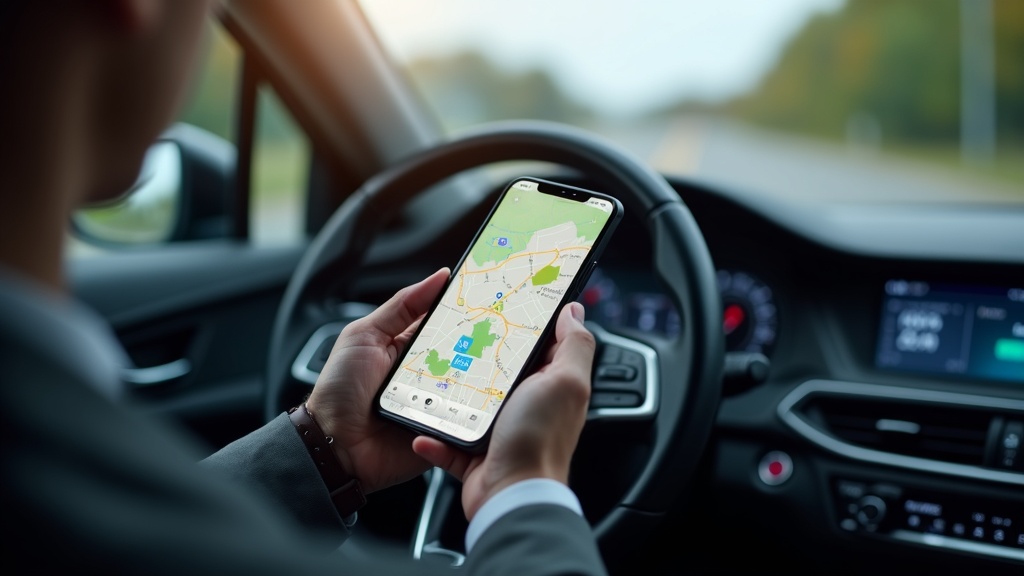
Finding the right solution to track your business miles and hours can make the difference between maximizing your tax deductions and leaving money on the table. Whether you’re a freelancer juggling multiple clients, a rideshare driver logging countless trips, or a business owner managing a fleet, choosing the best app for tracking time and mileage has become crucial for financial success in 2026.
The landscape of time and mileage tracking apps has evolved dramatically, with advanced GPS technology, AI-powered categorization, and seamless integration capabilities transforming how professionals manage their business travel records. With the IRS standard mileage rate continuing to impact deduction potential, having accurate tracking isn’t just convenient—it’s essential for maximizing your bottom line.
Modern tracking apps offer far more than basic odometer readings. Today’s solutions provide automatic trip detection, detailed reporting, expense categorization, and real-time synchronization across multiple devices, making it easier than ever to maintain compliant records while focusing on your core business activities.
Essential Features Every Time and Mileage Tracking App Should Have
Automatic Trip Detection and GPS Accuracy
The foundation of any reliable tracking app lies in its ability to automatically detect and record trips without constant user intervention. Advanced GPS technology ensures precise mileage calculations, eliminating the guesswork that manual logging often introduces. The best apps utilize multiple location services and can distinguish between personal and business trips based on your designated work locations and client sites.
Modern automatic detection systems learn your travel patterns over time, becoming increasingly accurate at categorizing trips without requiring manual input. This machine learning capability significantly reduces the administrative burden while ensuring comprehensive record-keeping. Apps with superior GPS accuracy typically maintain detailed route information, providing audit-ready documentation that satisfies IRS requirements.
Comprehensive Time Tracking Integration
Beyond mileage, many professionals need to track billable hours associated with their travel and on-site work. The most effective solutions seamlessly integrate time tracking with mileage logging, allowing users to start and stop timers while automatically recording travel distances. This dual functionality proves invaluable for consultants, freelancers, and service professionals who bill clients for both travel time and on-site work.
Integration capabilities extend to project management tools, enabling users to associate both time and mileage with specific clients or projects. This level of detail supports accurate invoicing and provides comprehensive insights into the true cost of serving different clients, including travel expenses and time investments.
Tax-Compliant Reporting and Export Options
Tax compliance remains a primary concern for business drivers, making robust reporting features non-negotiable. The best tracking apps generate IRS-compliant mileage logs with detailed trip information, including dates, destinations, business purposes, and odometer readings. These reports should be easily exportable in multiple formats, including PDF, Excel, and CSV files.
Advanced reporting features include customizable date ranges, client-specific summaries, and category breakdowns that simplify tax preparation. Some apps even provide direct integration with popular accounting software and tax preparation tools, streamlining the entire financial management process for busy professionals.
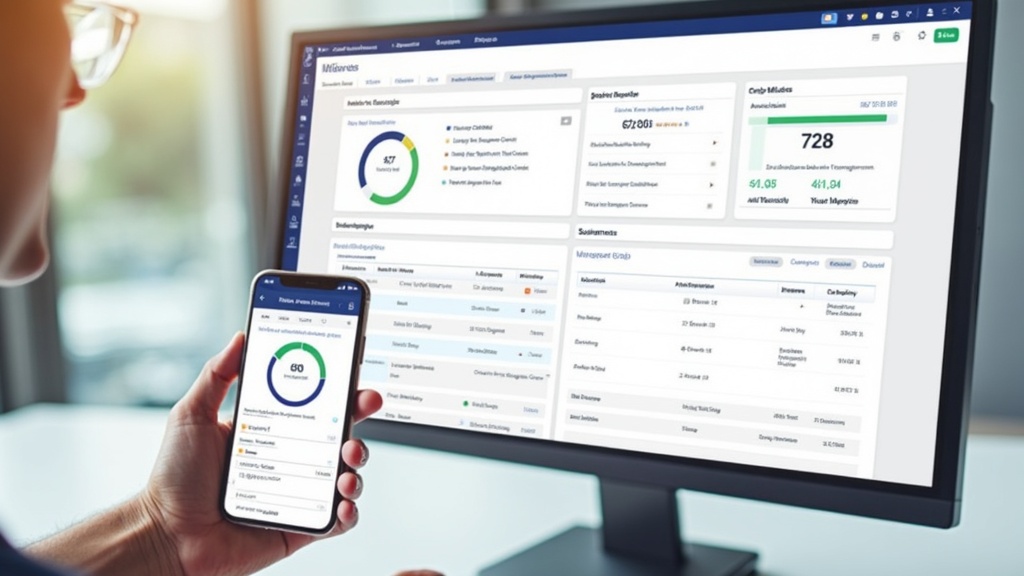
Top Mileage and Time Tracking Apps Compared for 2026
Professional-Grade Solutions for Serious Business Users
The professional tier of tracking apps caters to users who require advanced features, extensive customization options, and enterprise-grade reliability. These solutions typically offer unlimited mileage tracking, comprehensive reporting suites, multi-user support, and integration with popular business tools. Professional apps often include features like team management, administrative controls, and white-label options for businesses serving their own clients.
Investment in professional-grade solutions pays dividends through time savings, improved accuracy, and comprehensive audit trails. Many professional apps offer dedicated customer support, ensuring users can quickly resolve issues and maximize the platform’s capabilities. The additional cost often proves worthwhile for businesses where accurate tracking directly impacts profitability and tax obligations.
Enterprise features might include API access, custom integrations, bulk data management, and advanced analytics. These capabilities become essential for larger organizations or professionals managing multiple business entities, each requiring separate tracking and reporting.
Budget-Friendly Options for Individual Professionals
Individual freelancers and small business owners often prioritize cost-effectiveness while still requiring reliable tracking capabilities. Budget-friendly apps typically offer core functionality including automatic trip detection, basic reporting, and manual trip editing at significantly lower price points than professional solutions.
These applications focus on simplicity and ease of use, making them ideal for professionals who need straightforward tracking without complex feature sets. Many budget options include free tiers with limited functionality, allowing users to test the platform before committing to paid plans.
IRS guidelines for business deductions remain consistent regardless of the app used, so budget-friendly solutions can still provide compliant record-keeping when properly utilized.
Milelify: Precision Tracking for Business Drivers
Milelify stands out as a comprehensive solution designed specifically for business drivers who demand accuracy and efficiency in their mileage tracking. The platform combines automated trip detection with intelligent categorization, ensuring every business mile gets properly recorded and categorized for maximum tax deduction potential.
Key differentiators include:
- Advanced GPS technology that provides highly accurate mileage calculations even in challenging signal conditions
- Smart trip categorization that learns user patterns and automatically classifies business versus personal travel
- Comprehensive reporting suite with IRS-compliant mileage logs and customizable export options
- Seamless integration capabilities with popular accounting and tax preparation software
- User-friendly interface that minimizes setup time while maximizing tracking accuracy
Milelify’s approach focuses on eliminating the common pain points associated with mileage tracking, including forgotten trips, inaccurate manual entries, and time-consuming administrative tasks. The platform’s intelligent automation ensures comprehensive tracking while requiring minimal user intervention, making it ideal for busy professionals who cannot afford to miss deductible miles.
Maximizing Tax Deductions Through Strategic Time and Mileage Tracking
Understanding Current Deduction Regulations and Rates
Tax regulations surrounding business mileage deductions continue to evolve, making it essential for professionals to stay current with IRS guidelines and standard mileage rates. The 2026 standard mileage rate reflects ongoing adjustments for inflation and vehicle operating costs, directly impacting the potential value of tracked miles. Understanding both standard mileage and actual expense methods ensures you choose the most beneficial approach for your specific situation.
Proper documentation requirements extend beyond simple mileage logs, encompassing business purpose, client information, and trip timing. The best tracking apps automatically capture this required information, but users must ensure their trip categorization and business purpose entries meet IRS standards for audit protection.
Current tax policy guidance emphasizes the importance of contemporaneous records, meaning tracking must occur at the time of travel rather than being reconstructed later. This requirement makes automatic tracking apps particularly valuable for maintaining compliant records.
Advanced Strategies for Multi-Client Professionals
Professionals serving multiple clients face unique challenges in organizing and categorizing their tracked time and mileage. The most effective approach involves establishing clear client categories within your tracking app and consistently applying these categories to ensure accurate project costing and billing. Advanced apps allow for custom tags, project codes, and client-specific settings that automate much of this categorization process.
Time tracking integration becomes crucial when billing clients for both travel time and on-site work. Some professionals charge different rates for travel versus on-site time, making detailed tracking essential for accurate invoicing. The ability to export time and mileage data in formats compatible with invoicing software streamlines the entire billing process.
Multi-location professionals benefit from apps that can automatically detect and categorize trips based on destination addresses. Setting up client locations within your tracking app enables automatic business purpose assignment and eliminates the need for manual trip editing.
Team Management and Fleet Tracking Considerations
Businesses managing multiple employees or vehicles require tracking solutions with team management capabilities. These features typically include administrative dashboards, user permission controls, and consolidated reporting across all team members. Fleet managers need visibility into individual driver patterns while maintaining the ability to generate company-wide reports for tax and accounting purposes.
Employee privacy considerations become important when implementing team tracking solutions. The best business apps provide clear controls over what information is tracked and shared, ensuring compliance with privacy regulations while meeting business needs. Transparent policies and employee training help ensure successful adoption of team tracking systems.
Integration with existing business systems, including payroll, accounting, and project management tools, becomes more complex but increasingly valuable as team size grows. Enterprise-grade solutions often provide API access and custom integration options that support unique business requirements.
| Feature | Individual Plans | Professional Plans | Enterprise Solutions |
|---|---|---|---|
| Automatic Trip Detection | Basic GPS tracking | Advanced multi-source GPS | Enterprise-grade accuracy |
| Reporting Options | Standard PDF exports | Multiple formats + customization | Advanced analytics + API access |
| Team Management | Single user only | Up to 10 users | Unlimited users + admin controls |
| Integration Support | Basic export options | Popular business tool integration | Custom integrations + API |
Implementation Best Practices and Common Pitfalls to Avoid
Setting Up Your Tracking System for Maximum Accuracy
Successful implementation of any time and mileage tracking solution requires careful initial setup and consistent usage patterns. The first step involves defining clear categories for different types of business travel, including client visits, meetings, networking events, and business errands. Consistent categorization from day one prevents confusion during tax preparation and ensures accurate project costing for client billing.
Location-based automation setup significantly improves tracking accuracy while reducing manual intervention. Adding your office, regular client locations, and frequently visited business addresses to your app enables automatic trip classification and business purpose assignment. This upfront investment in setup pays dividends through reduced daily maintenance and improved record accuracy.
Regular maintenance practices include periodic review of tracked trips, verification of automatic categorizations, and backup of tracking data. Monthly reviews help catch and correct any classification errors while ensuring all business travel gets properly recorded and categorized.
Avoiding Common Tracking Mistakes That Cost Money
One of the most expensive mistakes professionals make involves inconsistent tracking that results in lost deduction opportunities. Forgetting to start tracking apps, failing to categorize personal versus business trips, or neglecting to document business purposes can significantly reduce your deductible mileage total. Automatic tracking apps help mitigate these risks but still require proper user engagement and periodic review.
Over-categorizing personal trips as business travel represents another common error that can trigger IRS audits and penalties. Understanding what qualifies as deductible business travel versus personal commuting helps ensure compliant record-keeping. The best practices involve conservative categorization and detailed business purpose documentation for any questionable trips.
Data backup and security considerations become critical when your tracking app contains months or years of business records. Regular data exports and secure storage ensure your tracking investment remains protected even if app services are discontinued or technical issues arise.
Integration with Existing Business Workflows
Successful tracking implementation requires seamless integration with existing business processes and tools. For professionals using project management software, client relationship management systems, or accounting platforms, choosing tracking apps with compatible export formats or direct integrations streamlines data flow and reduces duplicate entry.
Calendar integration can enhance tracking accuracy by automatically associating trips with scheduled meetings or appointments. Some advanced apps can cross-reference calendar data with GPS tracking to automatically populate business purposes and client information for tracked trips.
Small business expense management best practices emphasize the importance of real-time tracking rather than periodic reconstruction. This approach not only ensures better accuracy but also provides ongoing visibility into travel costs and patterns that can inform business decisions.
Choosing the best app for tracking time and mileage in 2026 requires careful consideration of your specific needs, budget, and integration requirements. Whether you’re a solo freelancer looking for simple yet reliable tracking or a growing business needing comprehensive team management features, the right solution can significantly impact your bottom line through maximized deductions and improved operational efficiency.
The investment in a quality tracking app pays dividends through time savings, improved accuracy, and peace of mind during tax season. As tracking technology continues to evolve, platforms like Milelify are leading the way with intelligent automation and user-focused design that makes comprehensive tracking accessible to professionals across all industries. Take control of your business travel records today and ensure you’re capturing every deductible mile and billable hour.